Make an invoice, check what a loan will really cost, plan your monthly budget or split a trip with friends. 28 free tools that work in your browser, easy guides that explain the numbers, and a free cashbook to track what you spend every day.
Invoices, receipts and payslips with PDF download, plus loan, savings and budget calculators.
Browse the tools LearnShort, plain-language guides on budgeting, tracking expenses, loans and sharing costs.
Read the guides Phone & browserTrack money in and out every day on the Android app or in any browser, and share it with family.
See the cashbookSend an invoice to a client, write a rent receipt or a payslip, check what a loan will really cost, plan this month's budget, or settle up after a trip with friends. Every tool runs right in your browser on your phone or computer. There is nothing to install, no sign-up, and what you type stays in your browser.
Each tool page also explains how the result is worked out, with an example and answers to common questions, so you understand the numbers and not just see them. Many tools turn your details into a clean, print-ready PDF in one click.
Most money tasks come in a few familiar shapes. Pick the one that sounds like yours and follow the tools in order.
Most jobs follow the same three steps. Send a quotation first, so the price is agreed before you start. When the work is done, send an invoice with the same items. When the money arrives, give a receipt as proof of payment. Paying staff or collecting rent? A salary slip or a rent receipt gives both sides the same record.
Never judge a loan by the monthly payment alone. Put the amount, rate and term into the EMI calculator and look at the total interest: a longer term lowers the payment but often adds a lot of interest. The amortization schedule shows how much of each payment goes to interest, and the debt payoff calculator shows which debt to clear first.
Start with the goal and work backwards. The savings goal calculator tells you how much to put aside every month to reach an amount by a date. To see how interest helps over the years, try the compound interest, SIP or fixed deposit calculators, and use the retirement calculator for the long view.
A budget only works when you can see it. List your income and fixed costs in the budget planner and compare them with the 50/30/20 rule. After a trip or a month in a shared flat, the split expenses calculator works out who owes whom with the fewest payments. To follow every expense day by day, keep a free cashbook.
Plain-language guides on budgeting, tracking expenses and sharing costs, with examples you can follow.
 November 5, 2026
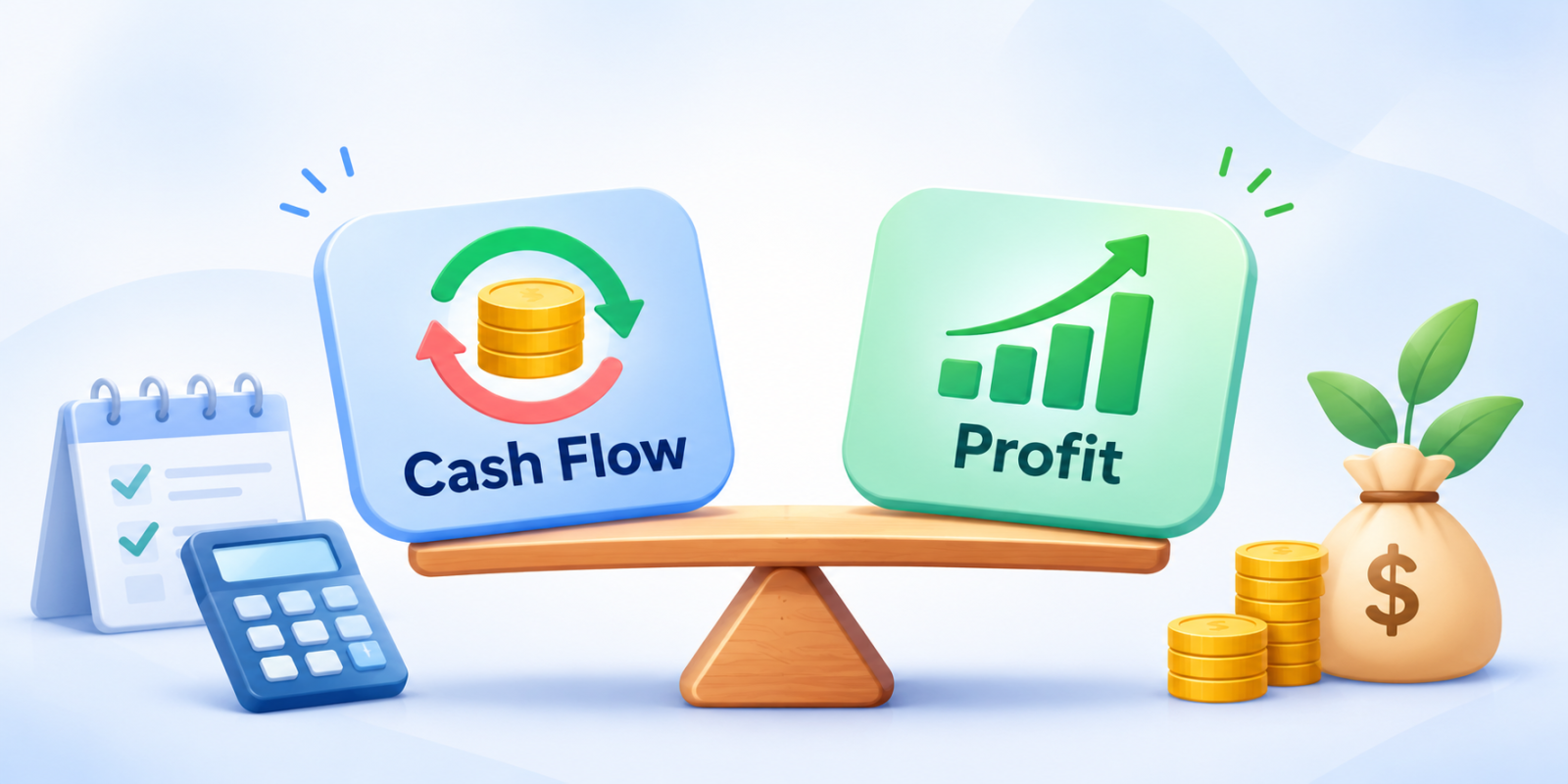
Cash Flow vs Profit: What is the Difference?
A business can make a profit and still run out of money. Here is the real difference between cash flow and profit, explained with simple examples you can actually use.
Read the guide
 November 1, 2026
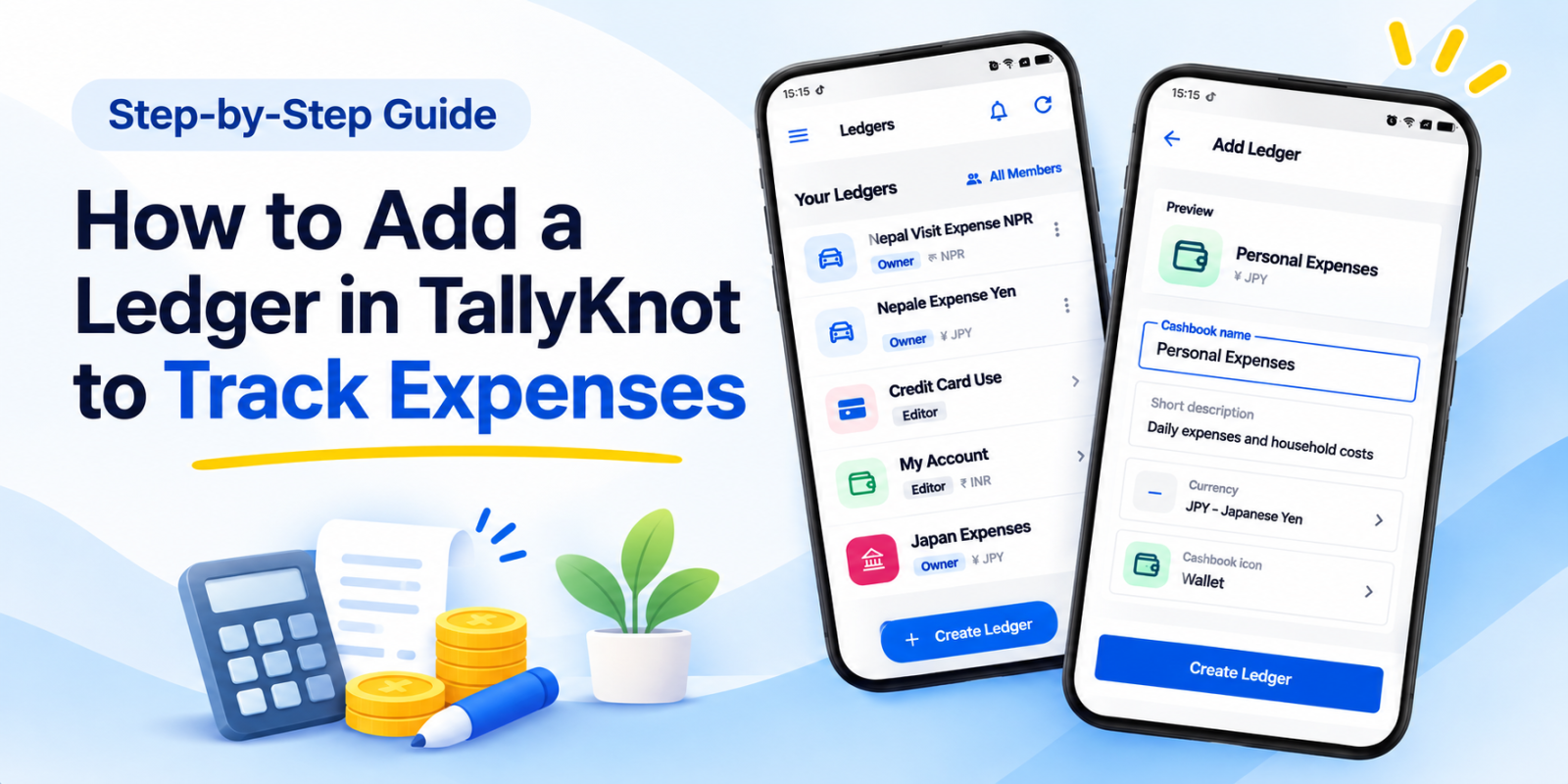
How to Add a Ledger in TallyKnot to Track Expenses
Want to start tracking your expenses? Follow this step-by-step guide to create your first ledger in the TallyKnot cashbook app and record your first entry.
Read the guide
 September 2, 2026
Managing Money During a Home Move: The Expenses That Are Easy to Miss
Moving home can cost more than expected. Learn about the small expenses that are easy to miss, from packing and cleaning to extra trips, storage and setting up your new home.
Read the guide
 August 28, 2026
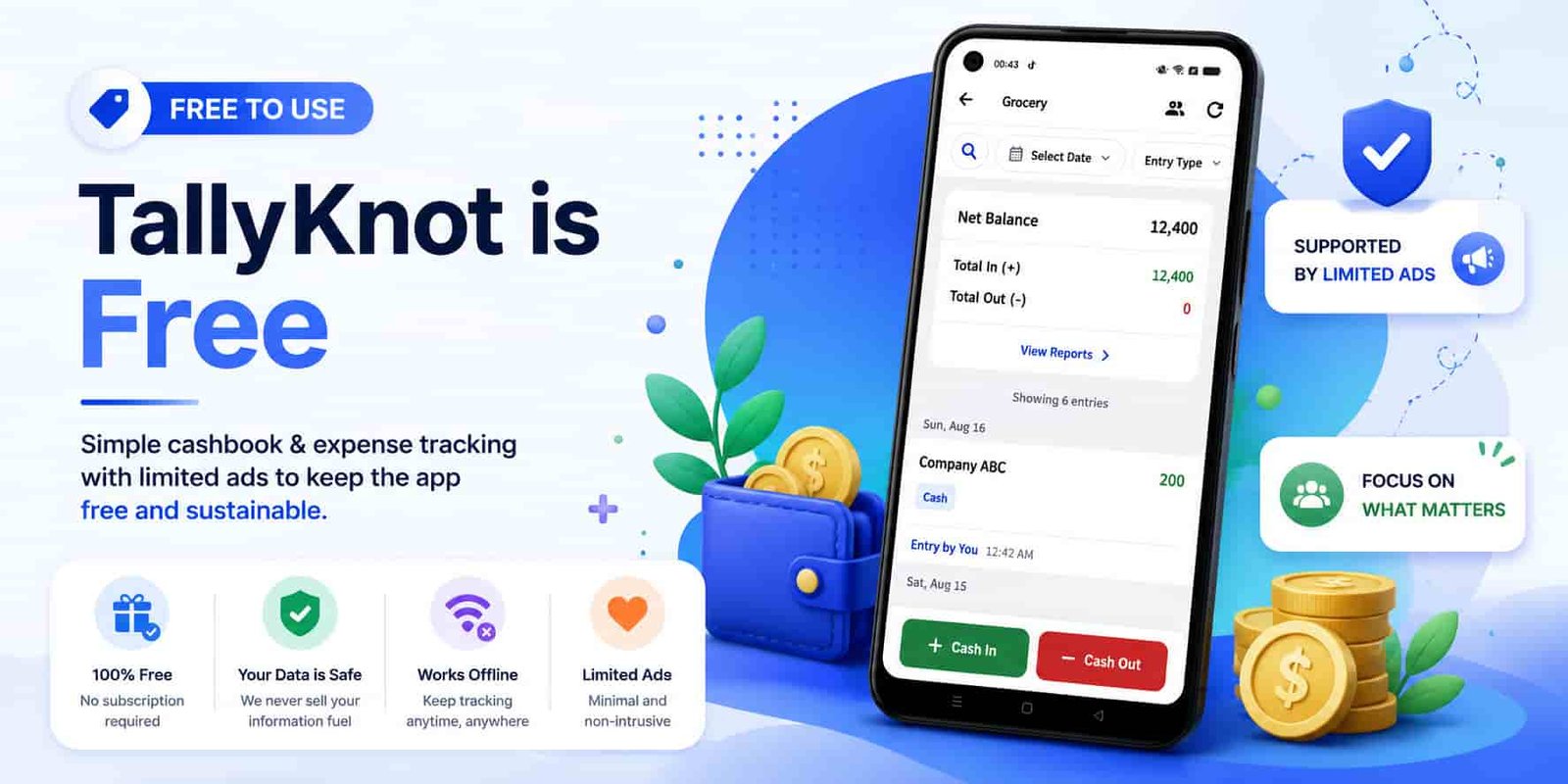
Is TallyKnot Free? Features, Ads and Availability
TallyKnot is a free Android ledger and expense tracking app. Learn what you can use for free, why the app includes a small number of ads, and how we try to keep them out of your way.
Read the guide
 August 25, 2026
How Shared Ledgers Work in TallyKnot
Learn how shared ledgers work in TallyKnot, from inviting members to recording expenses together and keeping Cash In, Cash Out and totals synchronized across devices.
Read the guide
 August 21, 2026
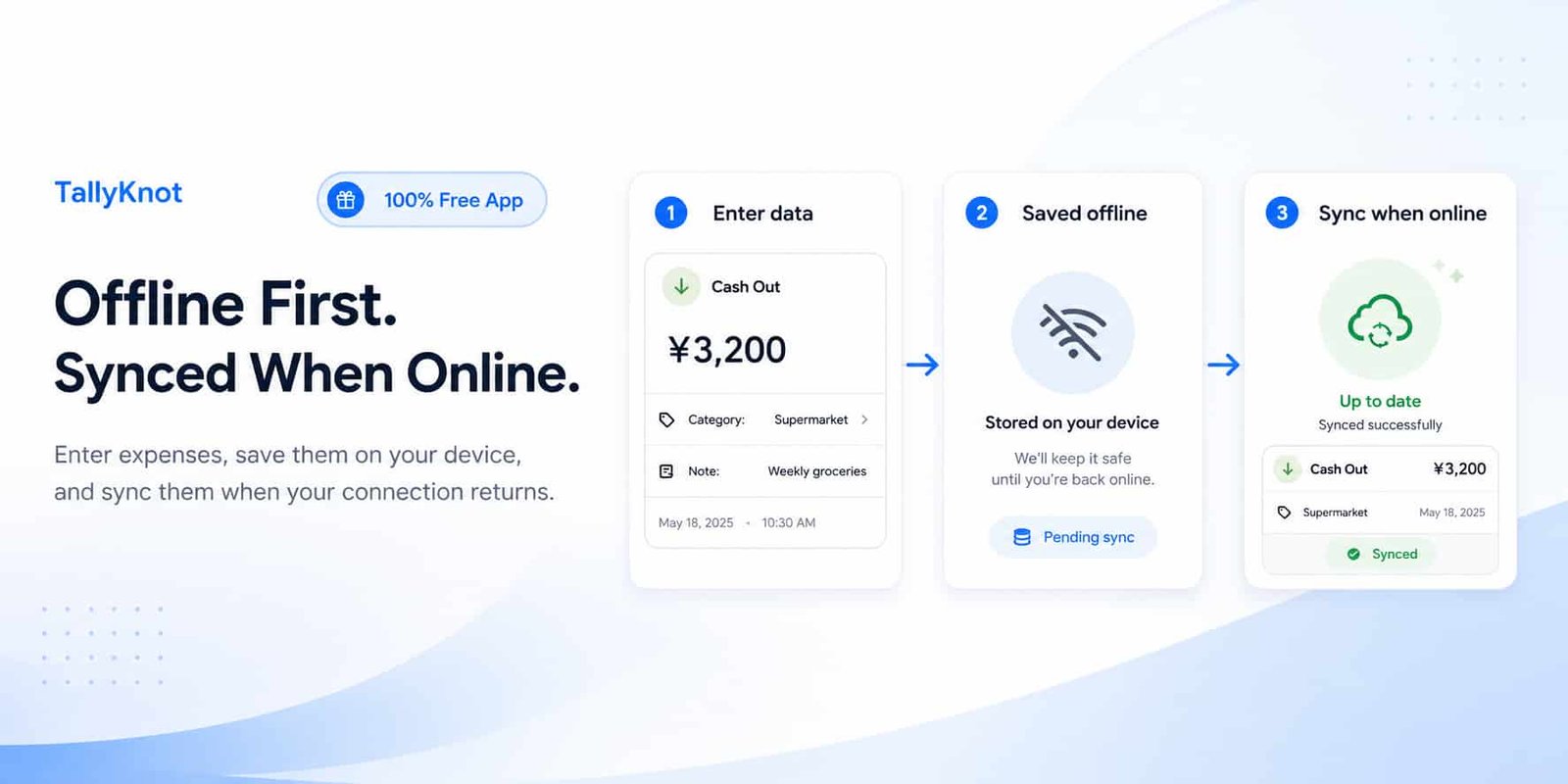
How TallyKnot Works Offline and Synchronizes Your Data
See how TallyKnot keeps your ledger data available online while also letting you continue recording supported changes when your Android device goes offline.
Read the guide
The tools are for one-off jobs. To follow your spending day by day, write down every cash in and cash out in a cashbook and always know your balance. Keep a separate one for the house, a trip, a project or a small shop. Use it the way that suits you:
Record an expense the moment it happens, at the shop or on the road.
Sign in with the same account and see every cashbook on a bigger screen.
Try a cashbook straight away, with nothing to install and no sign-up.
An invoice generator or a loan calculator may look simple, but when you need one, you need it to be quick, clear and correct. That is what we aim for with every tool and guide on this site.
Every calculator page explains the formula it uses and walks through an example, so you can check the result instead of just trusting it.
What you type into a tool stays in your browser. When you download a PDF, it is made on our server and not kept.
Results help you plan and compare. For a big decision such as a loan or tax, confirm the final figures with your bank, an accountant or an adviser.
Found a mistake or need a tool we do not have yet? Email us at tallyknot@gmail.com or use the contact page. You can read more about who we are on our about page.
Yes. Every tool is free to use, with no account and no limit on how many times you use it. The TallyKnot cashbook is free as well.
No. Open a tool and start typing. You only need a free account for the cashbook, so your ledgers can sync between your phone and the web.
They stay in your browser. When you download a PDF, it is made on our server and is not kept afterwards.
Each tool page explains the formula it uses, with worked examples, so you can check the numbers yourself. The results are estimates: for a big decision such as a loan, confirm the final figures with your bank or adviser.
Yes. Every tool works in the browser on a phone, tablet or computer, with nothing to install.
It is a free daily expense tracker: you record money in and money out and always see your balance. Use the Android app to record on the go, even offline. Use the web dashboard to see the same cashbooks in any browser with charts and members. Use TallyKnot Local if you just want to try it in your browser with no account; what you enter there stays on your own device.
Yes. The website, the tools, the guides and the cashbook are all available in English and Japanese. Use the language menu at the top of the page to switch.
 TallyKnot